
An analysis screen showing how the connectors are used. For each tool, it shows how often it was called, how long each call took, how many documents it returned and how often it failed. It also shows the figures by day, by sender, by source and by organisation.
The value shown in the “Documents” column is displayed at Opvragingen. Up to and including version 1.4.7, this column showed a value of 0 for many tools, including the search queries for OpenBesluitvorming, Rechtspraak and Officiële Bekendmakingen. From version 1.4.8 onwards, the number of rows returned by the response is also counted there. A tool counts a table row across all connectors combined. search_documents is therefore counted as one row, even if it was returned by multiple connectors.
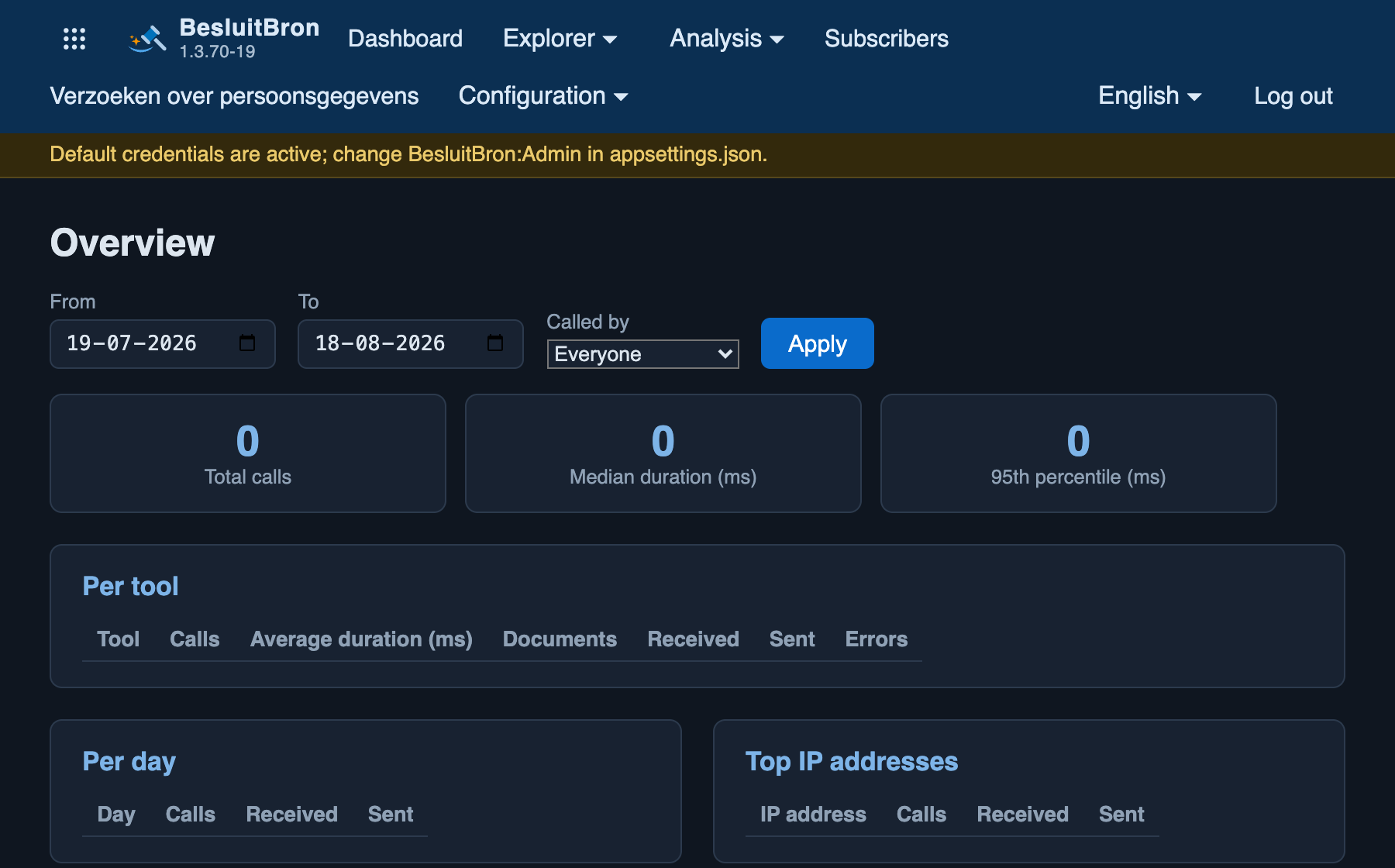
Called by
Three parties call the same connectors, and they use them for different purposes:
- "Q&A": this site’s public Q&A facility, where a visitor can ask a question that is answered by an AI model.
- "Other MCP client": any other client connected to this installation, for example, an assistant on a user’s computer.
- "Explorer": the management screen in which an administrator launches a tool themselves.
Depending on the selection in the ‘Called by’ drop-down list, the screen displays one of these three figures. The default is ‘Everyone’, in which case the three figures are added together.
Select one party as soon as the question relates to that party. Which tools the helpdesk needs is a different question from which tools an assistant uses, and the totalled figures do not answer either of them. This is the way to determine which tools the helpdesk actually uses, for example to populate the setting Ask:AllowedTools.
Available from version 1.3.41.
By organisation
From version 1.3.54 onwards, there is a table entitled ‘Per organisation’. This table counts the calls by name that a client sent in the ‘x-organisation’ header. Only calls with such a name are included, as this header is optional; the difference between this figure and the total number of calls represents the calls without a name. Each name is a link to Opvragingen, with the same time period and the filter already filled in.
The table is next to the table containing IP addresses and answers a different question. Several organisations can make calls from a single network, and one organisation can make calls from several networks. The heading is set out at Logging en Verantwoording.